Start Tasks
Avoid technical issues and get your day started off right, by following a daily checklist.
Audio Tech
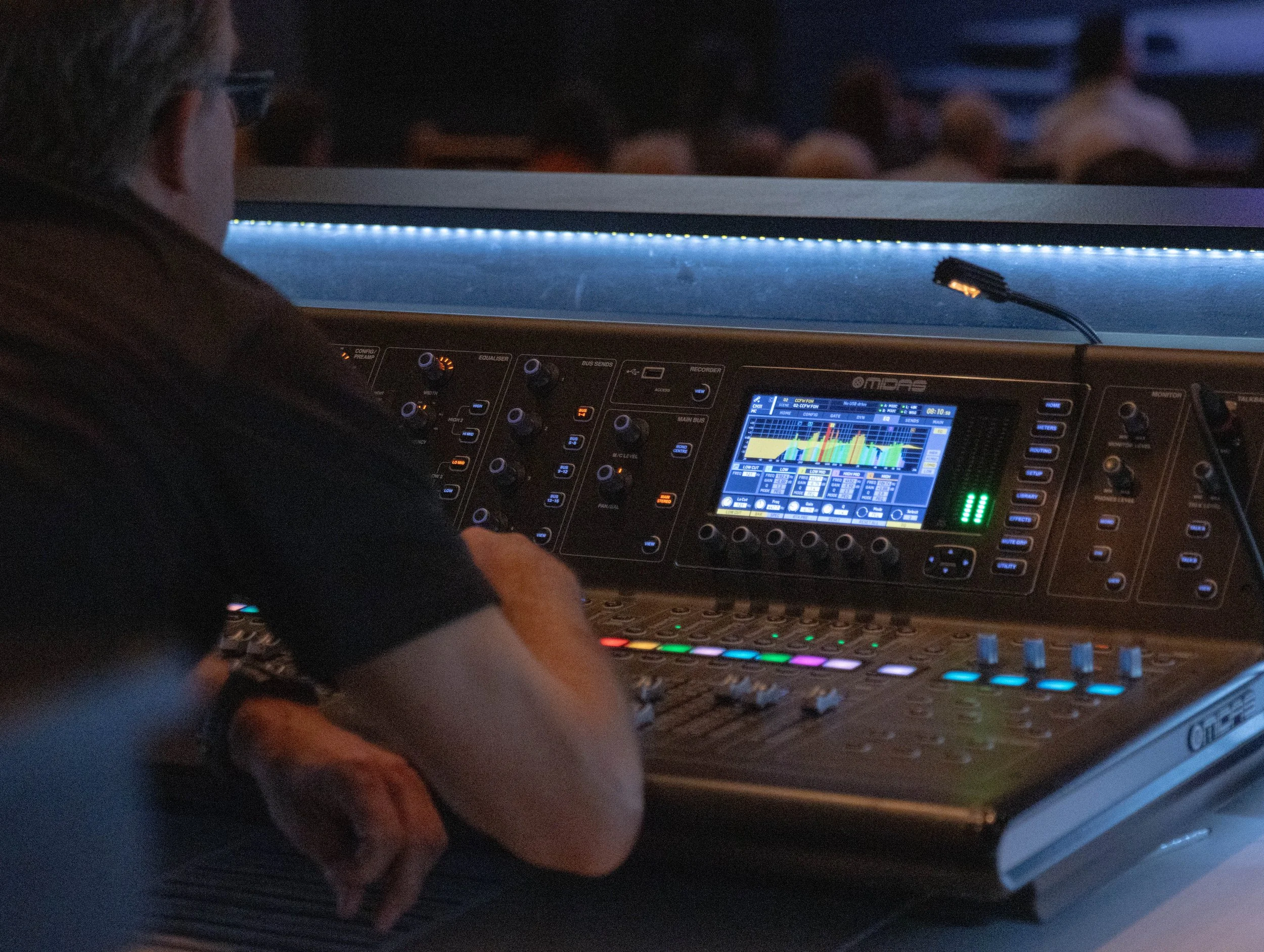
Start List:
Power on M32 and Waves server/FOH Mac
Review audio needs and set list via Planning Center
Set stage accordingly
Ensure new batteries are being used for mics, IEMs, instruments, etc.
Check out iPads/foot pedals for Worship Lead
Conduct thorough line-check of each channel
Click HERE for troubleshooting resources for this position
Slide Tech
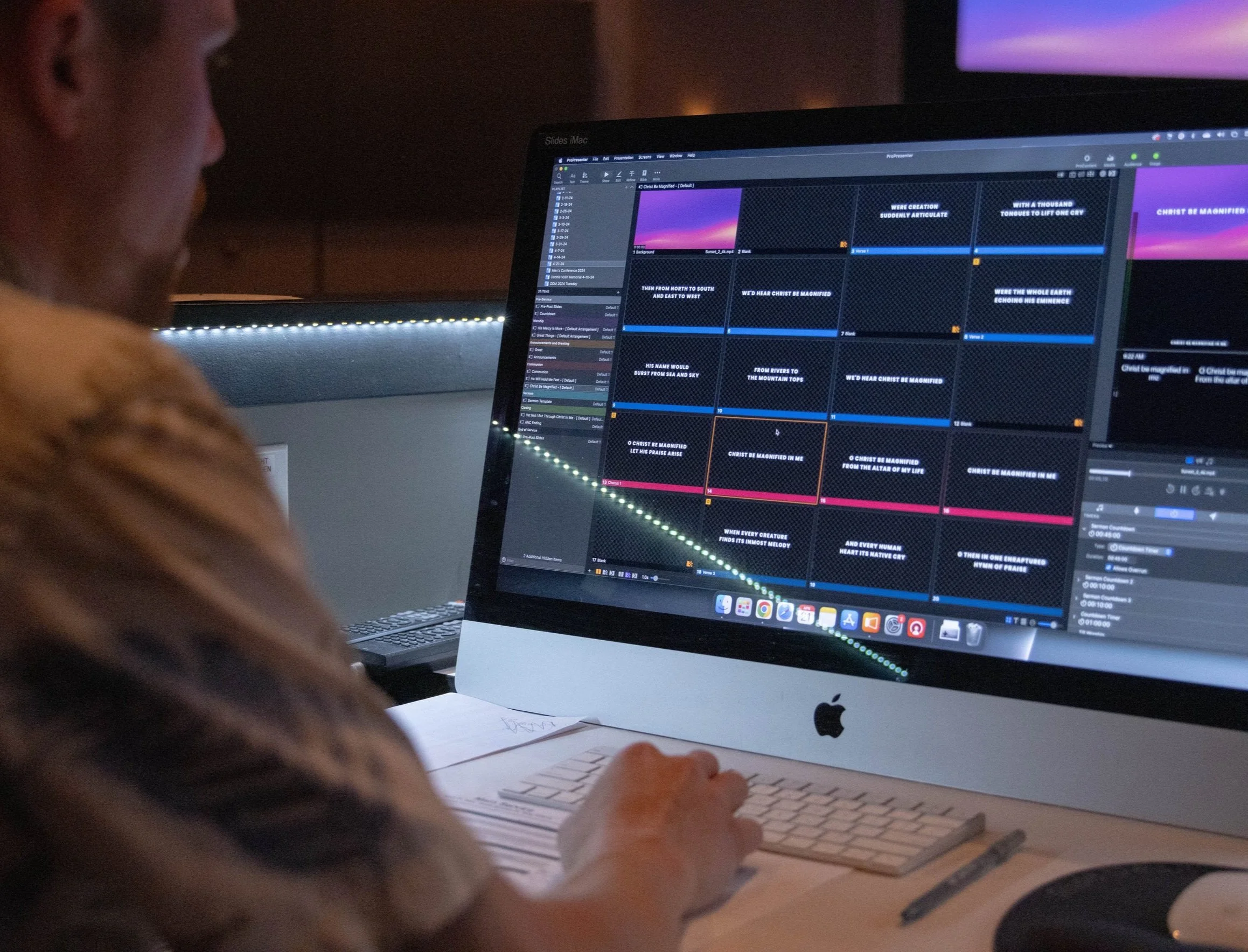
Start List:
Power on projection system in sequential order: video switcher, all projectors, Show Mac (last)
After allowing adequate time for Mac to boot, launch Pro Presenter
Check all sources are outputting correctly
Before service starts, briefly test any videos in the program
Alert a team lead to any changes that need to be made after each rehearsal
Click HERE for troubleshooting resources for this position
Lighting Tech
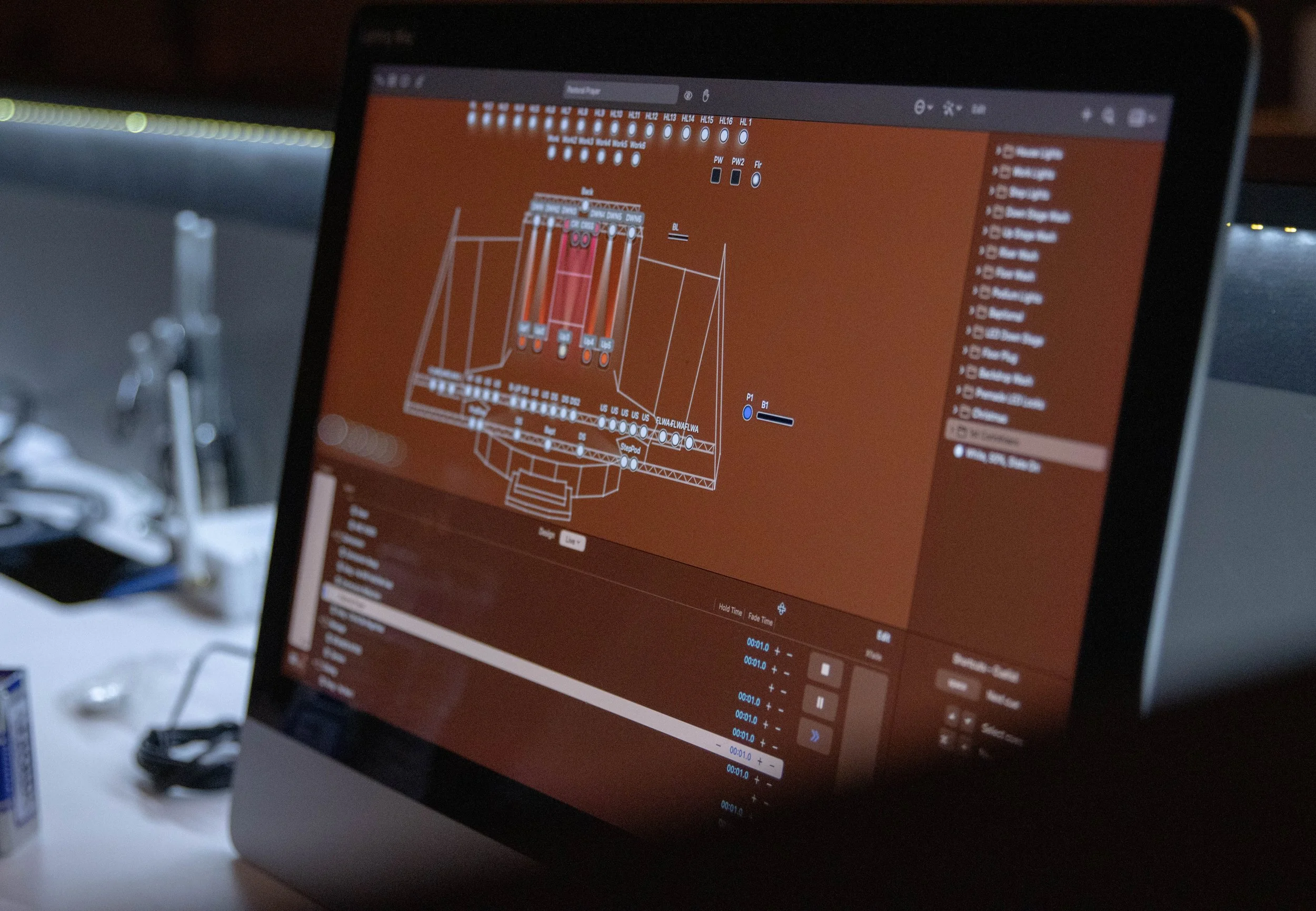
Start List:
Boot Lighting Mac and launch Light Key
Open Sunday Morning project file
Conduct a stage walkthrough to ensure the space looks clean and all LEDs are powered on
Thoroughly test each service element and cross-check needed spotlights to service order
Notify a team lead of any changes that need to be made
Click HERE for troubleshooting resources for this position
Stream Director
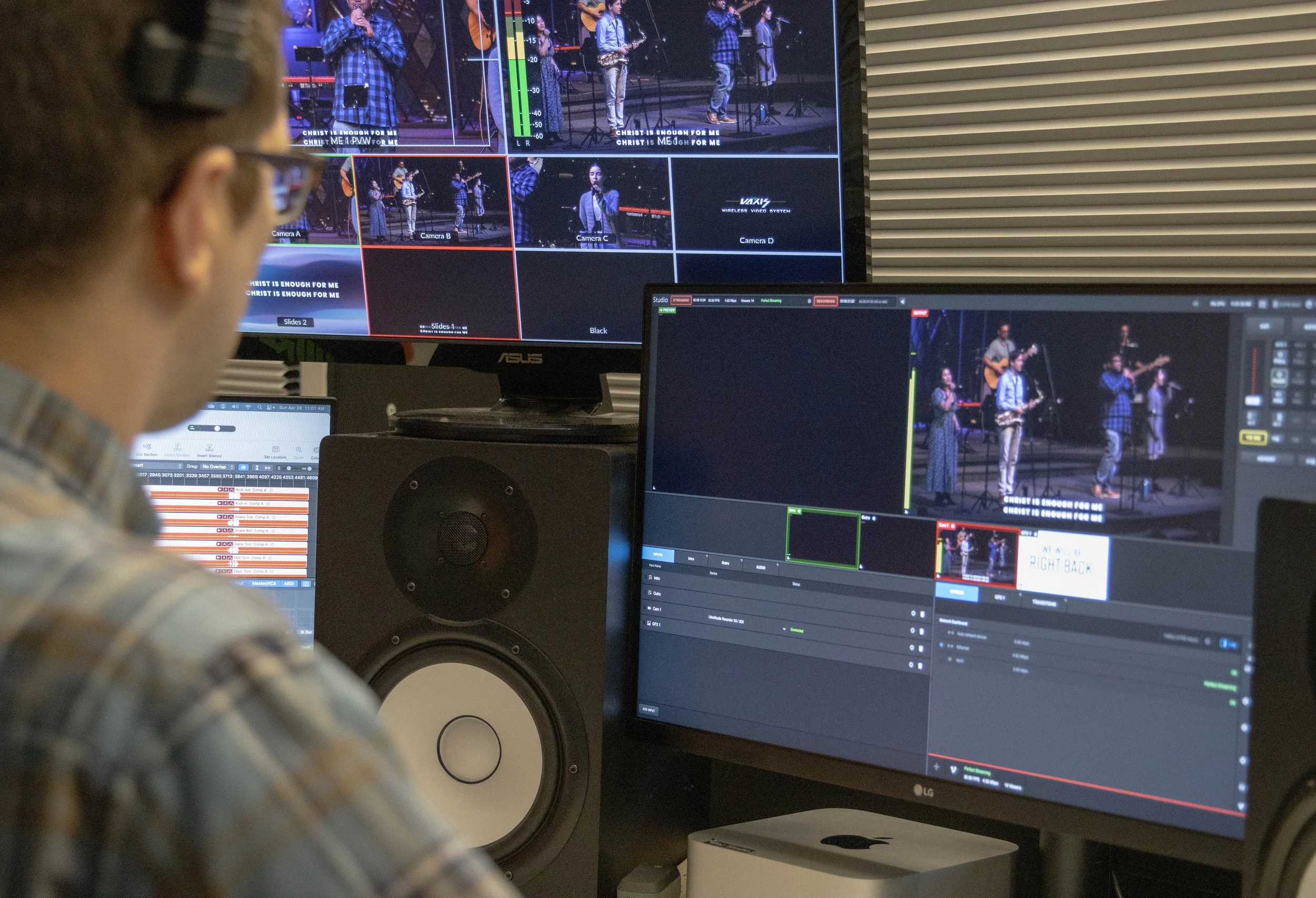
Start List:
Power on video system in sequential order: switcher/M32c, Encoding Mac (studio), Switching Mac (mini), Video iPads (for both techs)
After allowing adequate time for Encoding Mac to boot, launch the Logic Pro ‘CCFW Start’ file and Livestream Studio
On Logic Pro, select all input channels (using shift + click), and enable recording (using ‘R’ button on a single channel)
Set up Cams A, B, C. If time allows, set up and test Cam D
Thoroughly test audio inputs through Livestream Studio (via iPads), and video inputs through Switcher (via StreamDeck)
Configure intro/outro videos, and run a test stream
Click HERE for troubleshooting resources for this position
Switching Tech
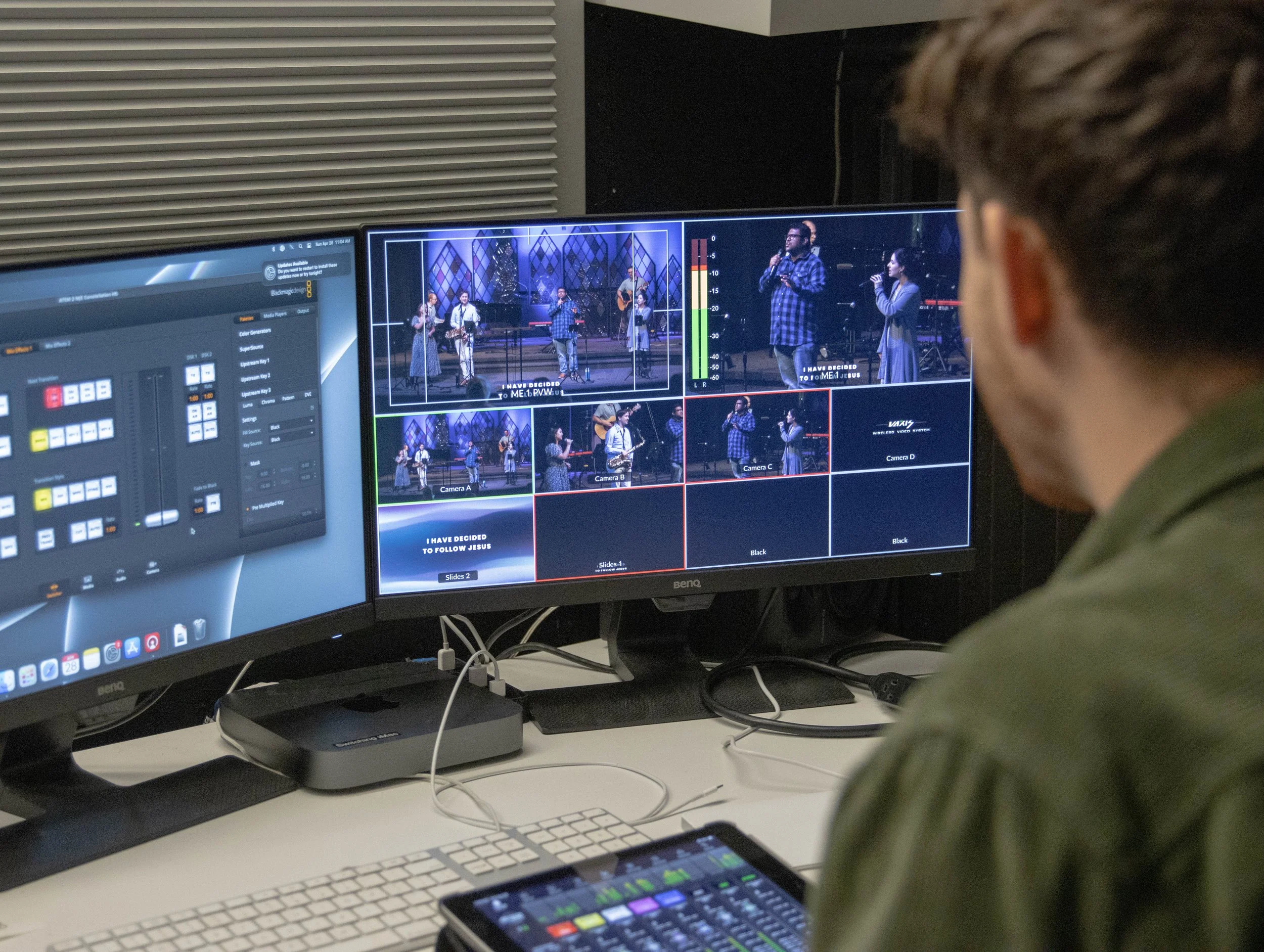
Start List:
Unlock designated iPad and launch M32 Mix app
Ensure connection with mixer and iPad is established, and test DCA mute groups and faders
Ensure connection with StreamDeck and switcher is established and test switching in the preview
Thoroughly review the Service Order and take note of what transition will be expected for audio and video
Prior to service start, ensure background music is up, and content is in the program
Click HERE for troubleshooting resources for this position
Camera Operator
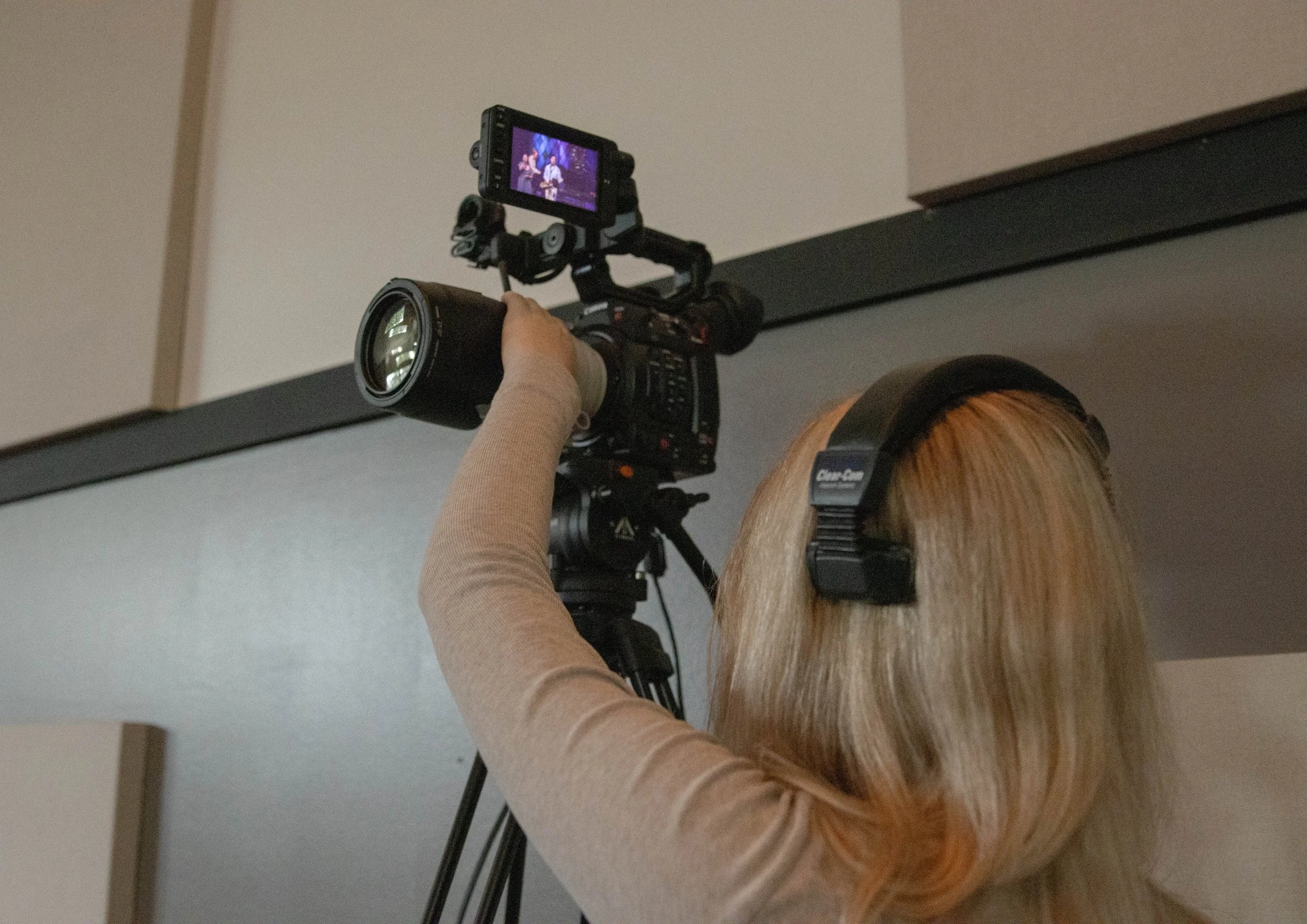
Start List:
Set up ClearCom and test communication with Director
Test basic camera functions: zoom, gain, mag, X/Y motion
Review the Service Order and anticipate possible shots needed for each service element
Pull first shot for service start
Click HERE for troubleshooting resources for this position